youtube-dl -a past_broadcasts.txt -o "%(upload_date)s.%(title)s.%(id)s.%(ext)s"
Did it. youtube-dl is smart enough to avoid re-downloading videos it already has, so as long as you run this often enough (I do daily), you should avoid losing videos before they’re deleted.
Start a minecraft server with computercraft. You will need to have the http API enabled, which is the default.
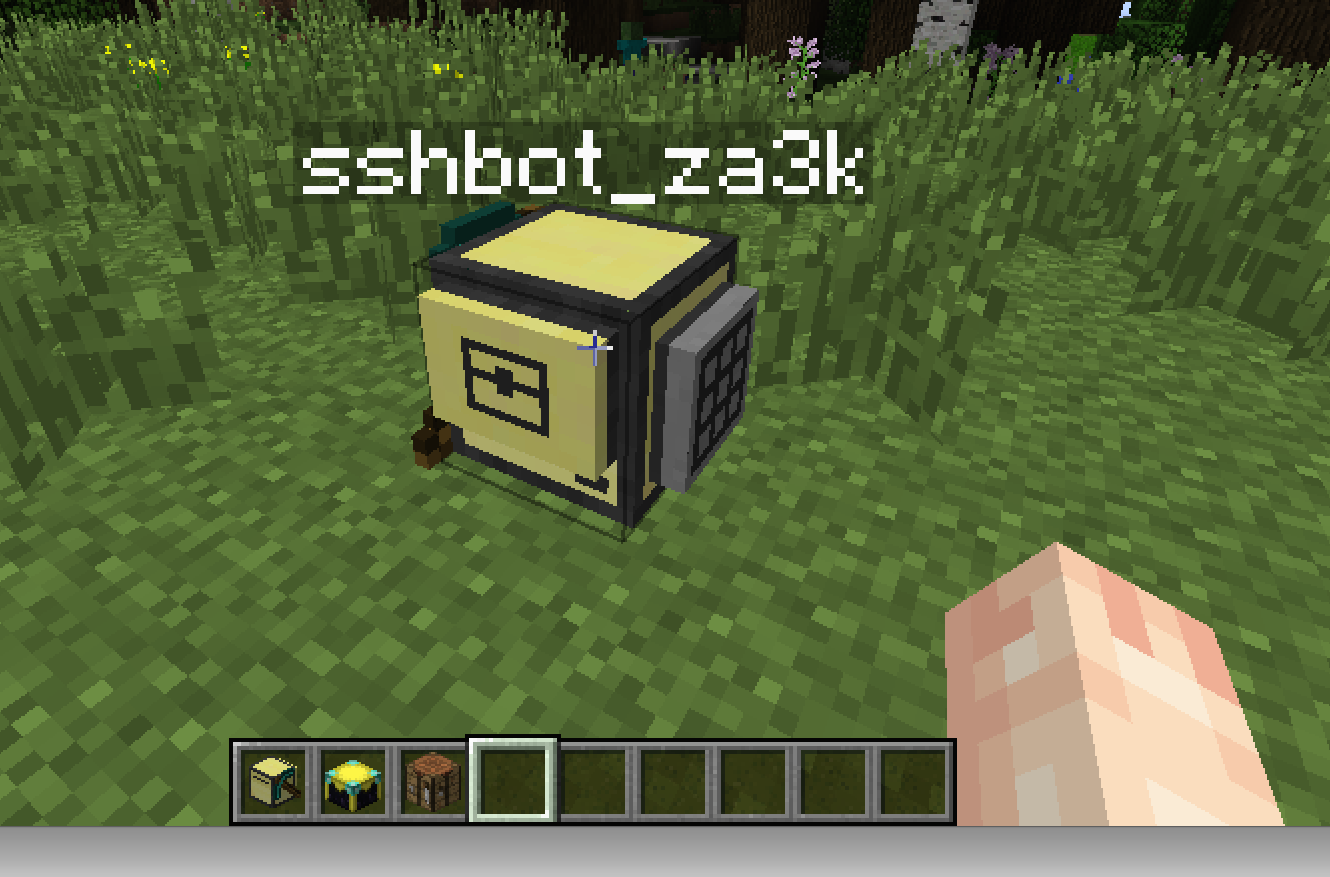
Put down a turtle I recommend a turtle with a crafting square and a pickaxe. I also recommend giving it a label. If you’re not trying the turtle replication challenge, either disable fuel or get a fair bit of starting fuel. Write down the computer’s id.
Put down a chunk loader, if you’re in a modpack that has them, or DON’T log out. Computers and turtles can’t operate unless the chunks are loaded. If you’re putting down a chunkloader, I surrounded them with bedrock for foolproofing.
Open the turtle and download the following script, changing “redis.example.com” to your own redis instance: pastebin get 8FjggG9w startup
After you have the script saved as ‘startup’, run it or reboot the computer, and it should start listening for instructions.
redis = "http://redis.example.com"
queue = "sshbot" .. os.getComputerID()
return_queue = queue .. "_return"
print("Remote webdis queues on icyego: " .. queue .. " and " .. return_queue)
print("Receiving remote commands.")

function exec(str)
  print("Running: " .. str)
  f = fs.open("tmp", "w")
  f.write(str)
  f.close()
  p = loadfile("tmp")
 status, err = pcall(function () p = loadfile("tmp"); return p() end)
  if status then
    status, ret = pcall(function() return textutils.serialize(err) end)
    if status then
      result = ret
    else
      result = ""
    end
  else
    result = "Error: " .. err
  end
  print(result)
  return result
end

print("Now receiving remote commands.")
while true do
  handle = http.get(redis .. "/BRPOP/" .. queue .. "/5.txt")
  if (handle and handle.getResponseCode() == 200) then
    str = handle.readAll()
    handle.close()
    str = string.sub(str, string.len(queue) + 1)
    result = exec(str)
    if string.find(result, "Error: ") then
      result2 = exec("return " .. str)
      if string.find(result2, "Error: ") then a=0 else result=result2 end
    end
    http.post(redis, "LPUSH/" .. return_queue .. "/" .. result)
  end
end
On your local machine, save the following, again replacing “redis.example.com”:
#!/bin/bash
function send() {
  curl -s -X POST -d "LPUSH/sshbot${1}/${2}" "http://redis.example.com" >/dev/null

}

function get() {
  curl -s -X GET "http://redis.example.com/BRPOP/sshbot${1}_return/20.json" | jq .BRPOP[1]
}

if [ $# -ne 1 ]; then
  echo "Usage: rlwrap ./sshbot <COMPUTER_ID>"
  exit 1
fi
ID=$1

while read LINE; do
  send ${ID} "$LINE"
  get ${ID}
done
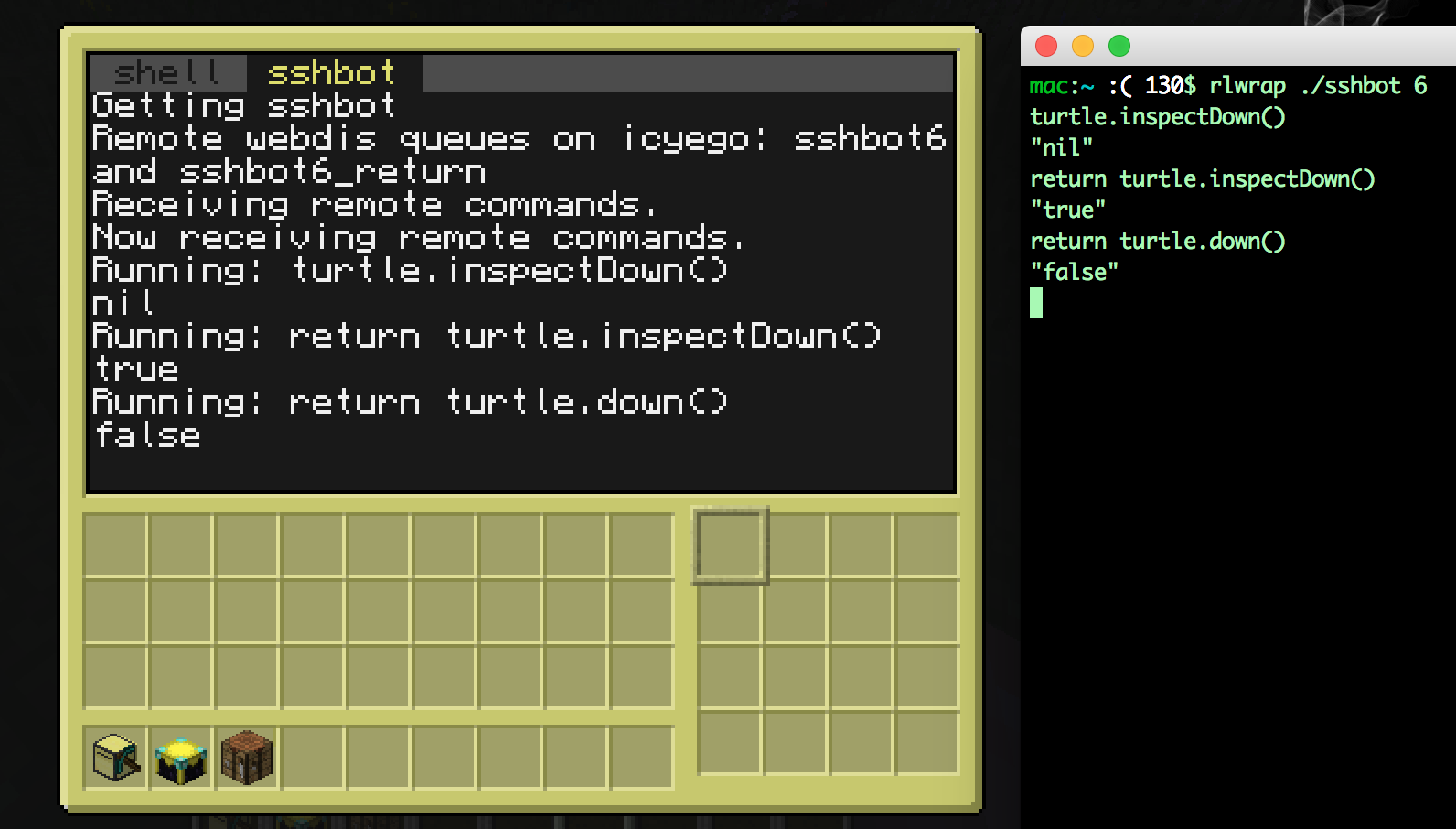
Run: rlwrap ./sshbot , where is the turtle’s ID. You should be able to send commands to the computer now.
Install packages talk, talkd, inetutils-inetd
Make sure users have set ‘mesg y’
‘talk user@localhost’. Despite documentation, ‘talk user’ will not work.
So have you ever used a web printer and it was great?
…
Yeah, me neither. It’s probably possible on windows, but try to add more than one OS to the network and it’s horrible. And actually printing is a major pain in Linux anyway. Theoretically ‘lp’ and the like have no problem with remote printers, but I wanted something I understood. So today I’m going to post my setup I use instead.
I have a computer physically connected to the printer. Let’s call it ‘printserver’. On that server there is a folder, /printme, which is constantly monitored by inode. Any file added to that directory is printed.
Suppose I downloaded cutecats.pdf and I want to print it. Then I run:
scp cutecats.pdf printserver:/printme
And voila, the cute cats get printed.
Here’s the setup for the server:
Get the printer to work. This is the hard step.
Make a directory /printme. Add any missing users, add a new group called ‘print’ and add everyone who needs to print to that, etc.
Set up /printme to be a tmpfs with the sticky bit set. (So we don’t fill up the hard drive)
Our house has seven people, so today I made some mail holders to put on our doors.
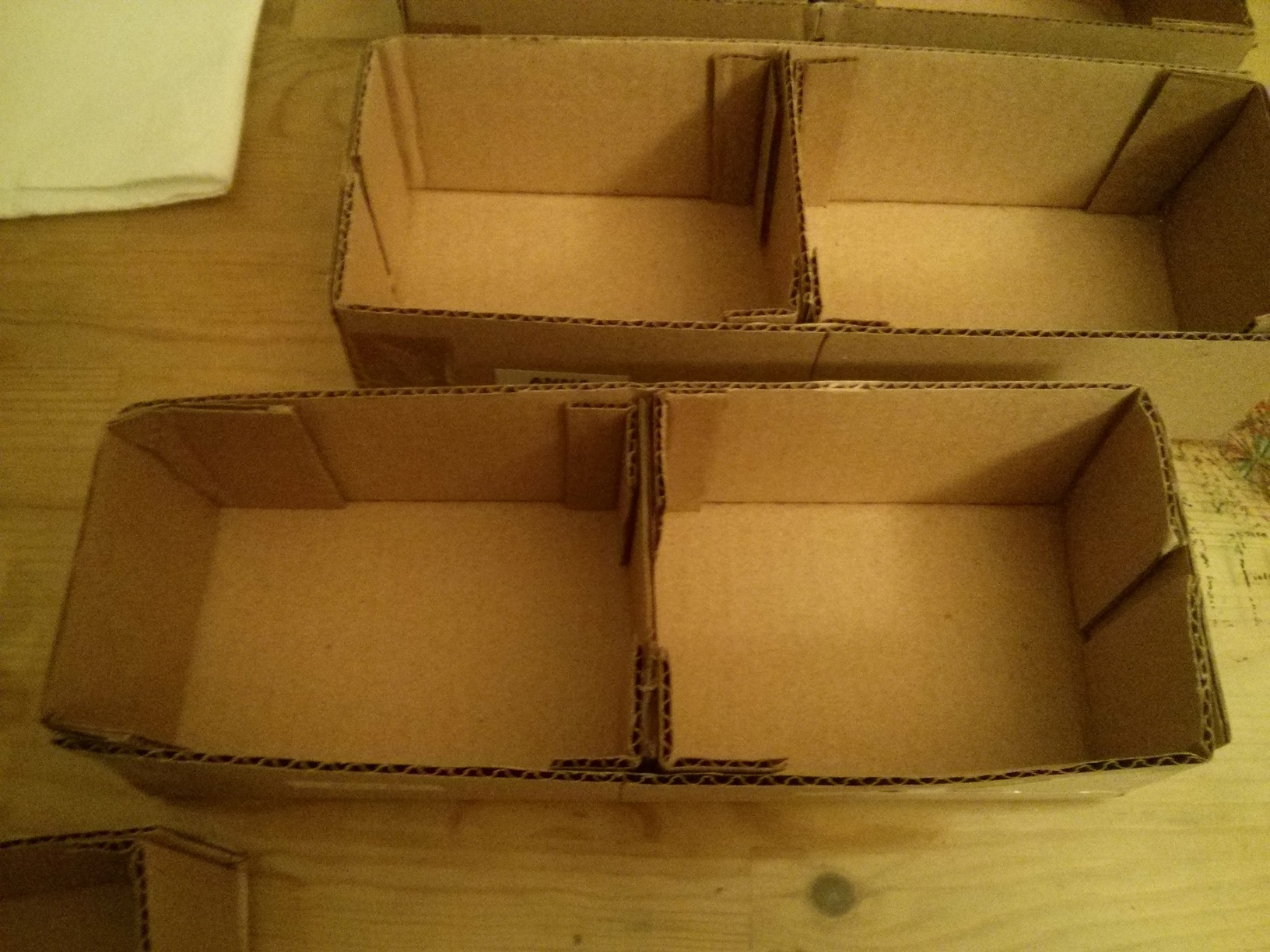
I basically had some long cardboard boxes, and cut them in half. Then I added new ends and separators in the middle.
I’m not sure if they’ll actually get used. Mail on the floor looks bad, but these aren’t that hot either. If you make some and want to improve the look, you can cover everything in paper or cardstock.